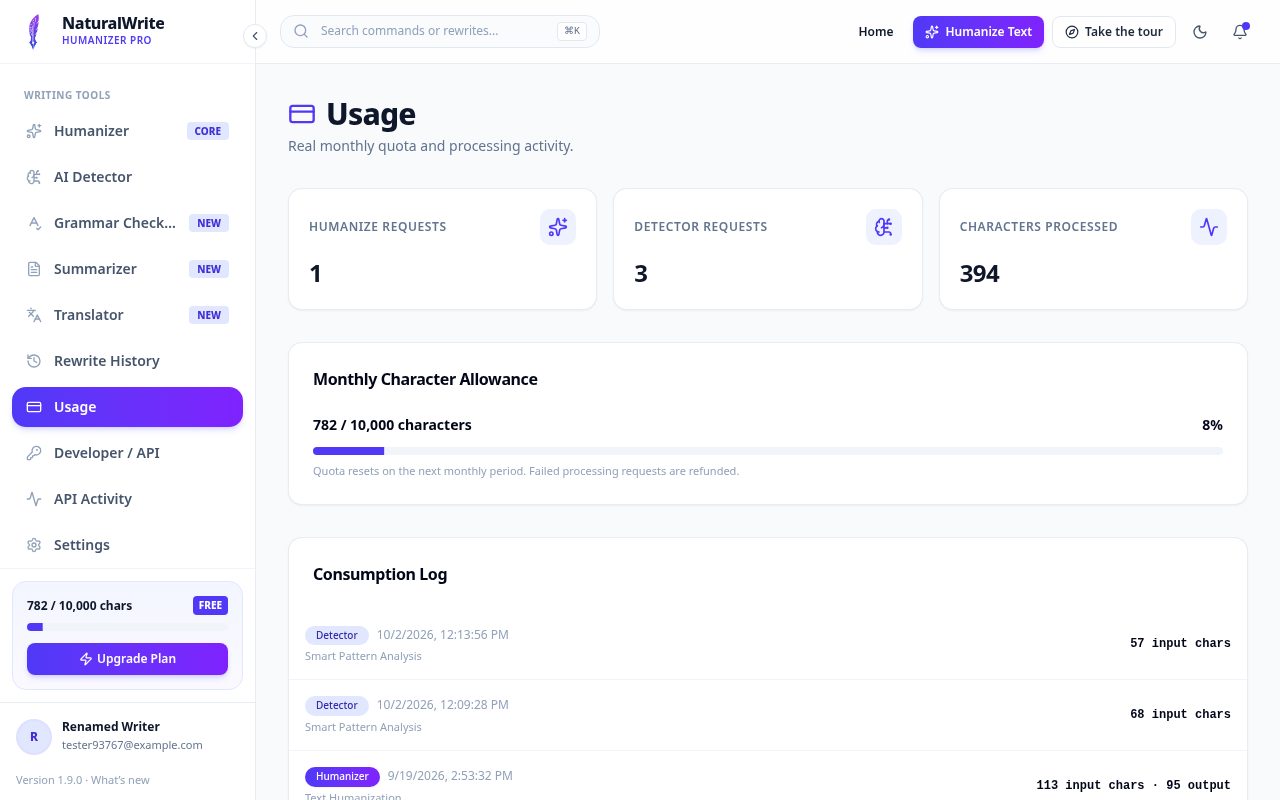

NaturalWrite Pro brings five writing tools into one workspace. Here’s how to get going in a few minutes.
Set up your account
- Click “Start writing free” on the homepage.
- Sign up with your email or continue with Google.
- If you used email, confirm it from the message in your inbox.
- Sign in — a short welcome tour will show you around. Skip it anytime, or restart it with “Take the tour”.
Find your way around
The menu on the left (or behind the menu button on phones) holds every tool, your History, Usage, Developer Settings, and Settings.
Keep an eye on your allowance
All tools share a monthly character allowance. You can see how much you’ve used at the bottom of the menu and on the Usage page.