
Steps
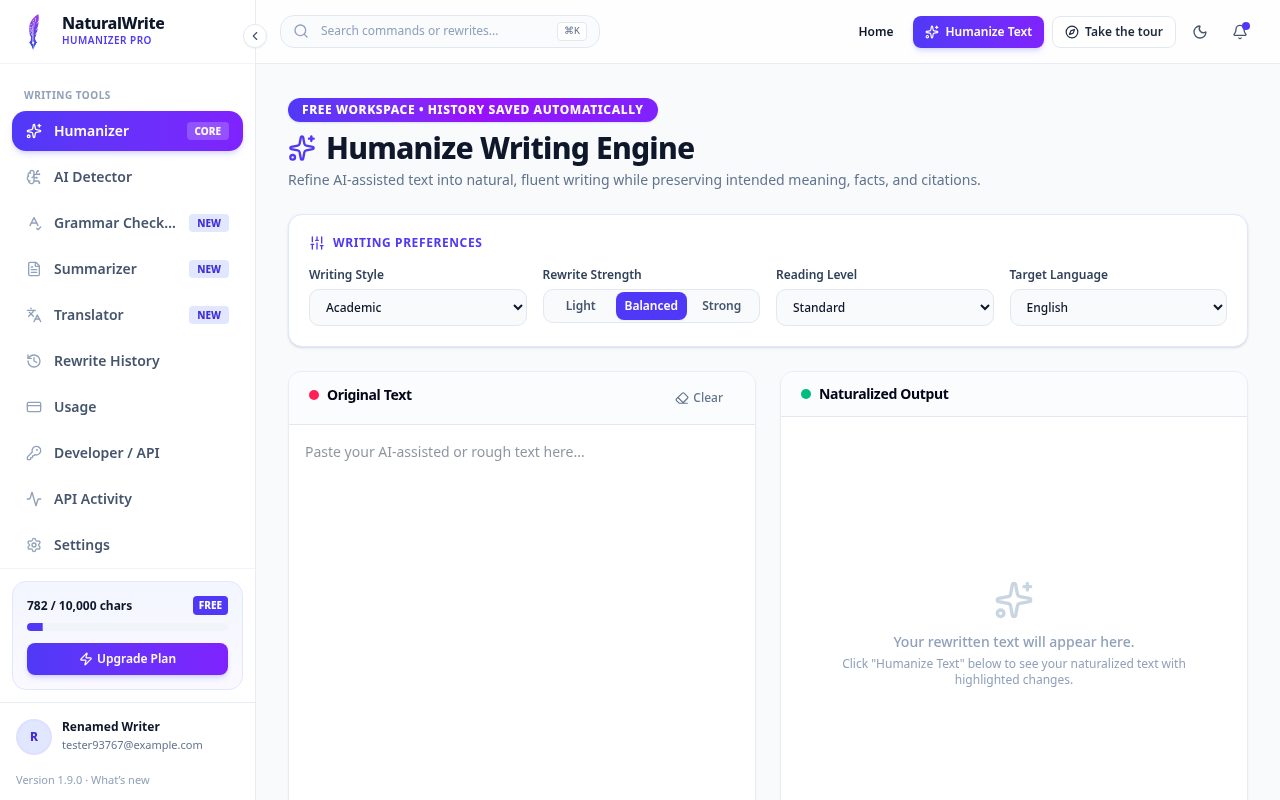
- Open Humanizer from the menu.
- Paste your draft, or try the sample text.
- Choose how strong you’d like the rewrite to be.
- Click Humanize and review the result. Added words are green, removed words are red.
- Copy the result, or find it later in History.
Tips
Separate paragraphs with a blank line — your layout is kept. Always read the final text, especially for academic work.