Create a key
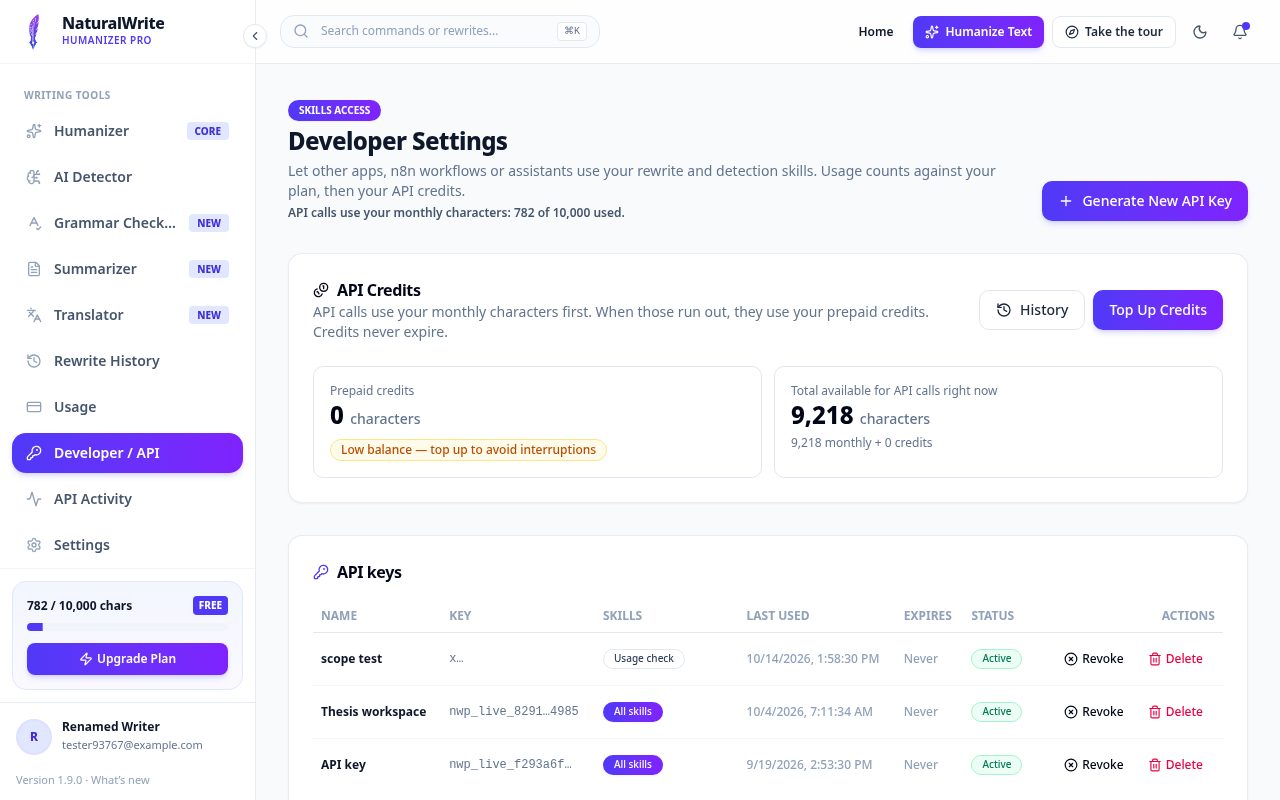
- Open Developer Settings from the menu.
- Click Create key, give it a name, and pick the tools it may use.
- Copy the key right away — it’s only shown once.
Make requests
Developer Settings includes ready-to-copy examples for curl, Python, and n8n. Requests use your monthly characters first, then any prepaid API credits.
Track activity
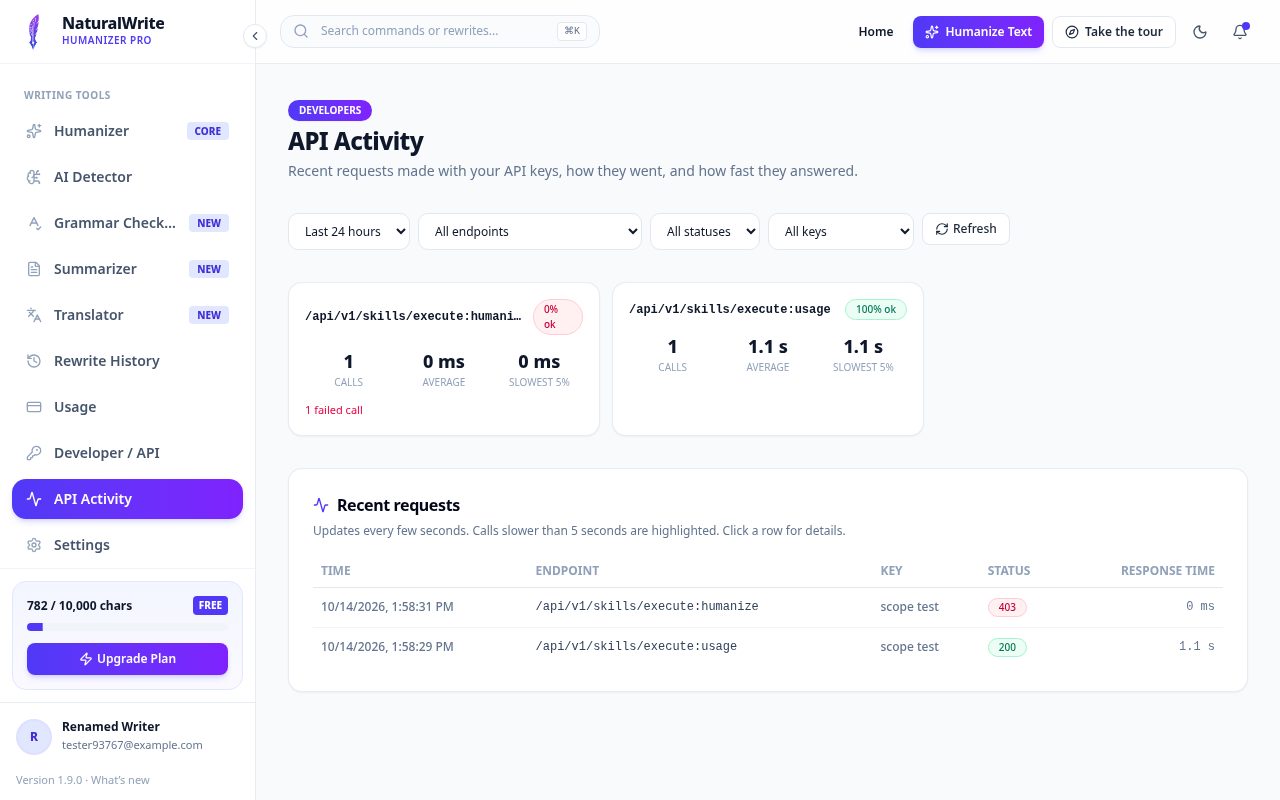
The API Activity page shows recent requests, their status, and how long each one took. Cancel a key any time you no longer need it.